POS Cash Register — User Guide
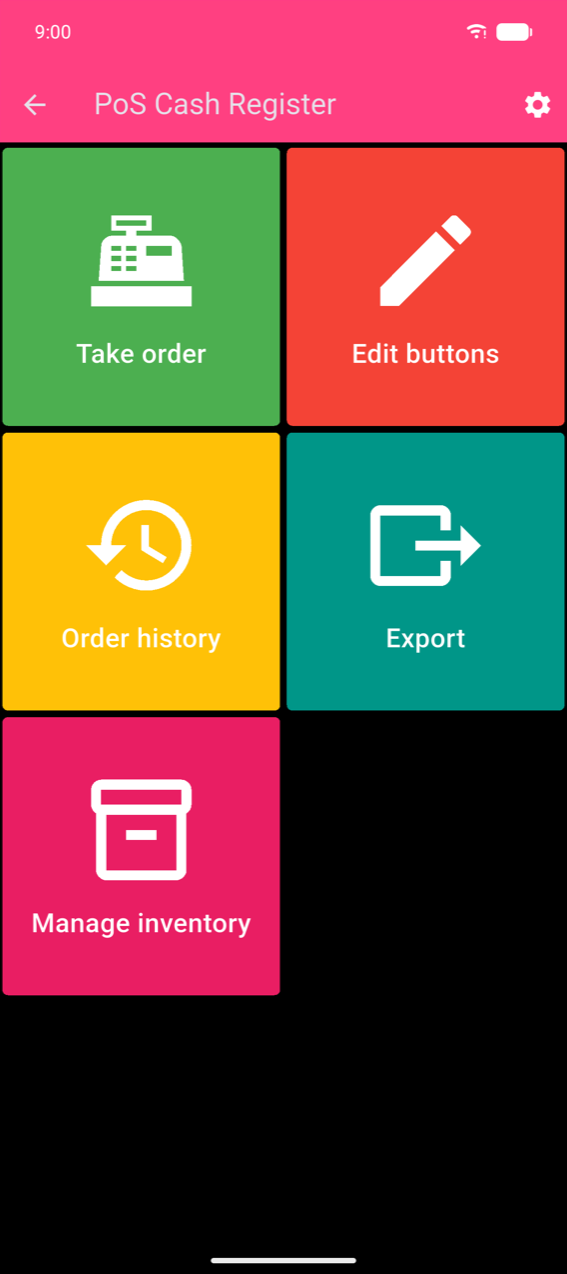
POS Cash Register is a point-of-sale app for Android and iOS. It lets you build a coloured product grid, take orders, accept multiple payment methods, print thermal receipts, track cash sessions, and analyse sales — all without an internet connection.
Where to start
New to the app
- Getting started — the home menu and your first products
- Products & categories — building your product grid
Daily use
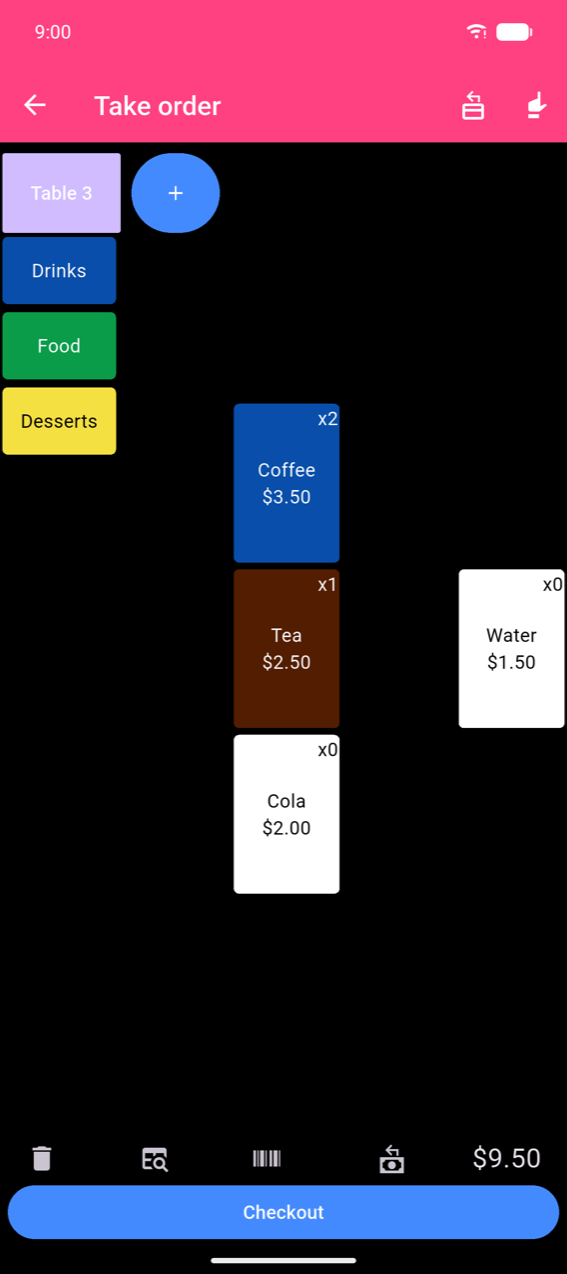
- Taking orders — adding products, tables, and scanning
- Payments — checkout, change, split bill, and receipts
Back office
- Order history — browsing, amending, and exporting orders
- Cash sessions — opening and closing the cash drawer
- Statistics — sales charts and product performance
- Inventory — stock levels and intake
Setup