Getting started
The home menu
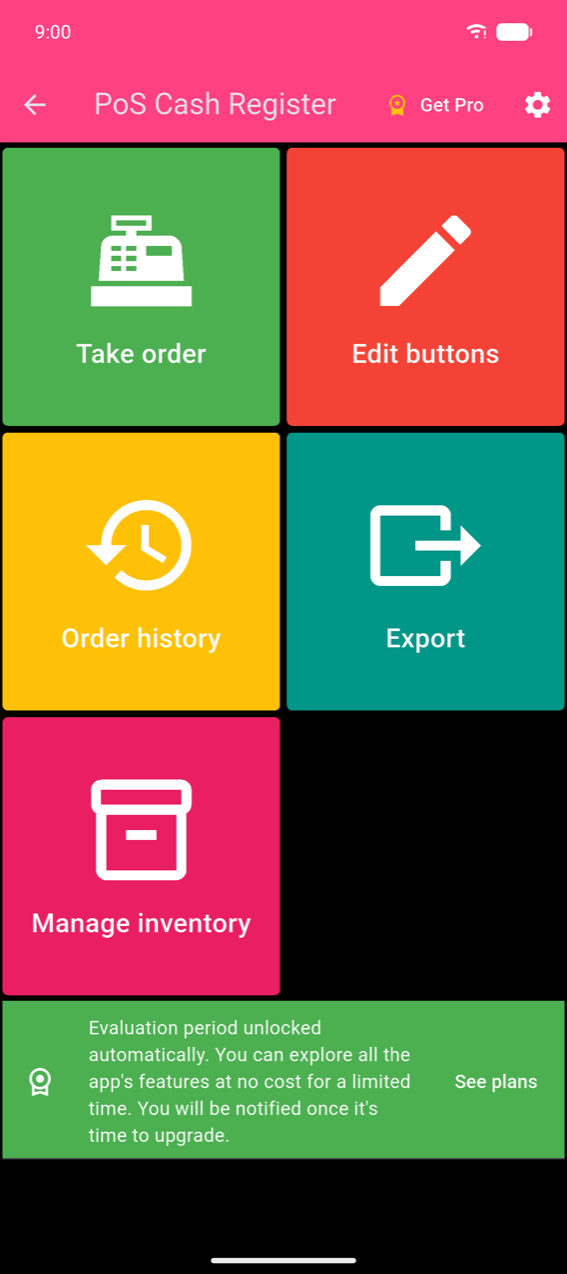
The home menu has five tiles:
| Tile | What it does |
|---|---|
| Take order | Build and complete a sale |
| Edit buttons | Create and arrange the product grid |
| Order history | Browse completed orders and view sales statistics |
| Export | Export order history to Excel or PDF |
| Manage inventory | Record stock intake and view stock levels |
Note
There is no Settings tile. To open Settings, tap the white gear icon in the top-right corner of the app bar.
Set up your first products
Tap Take order. Because no products have been added yet, the screen shows the empty state.
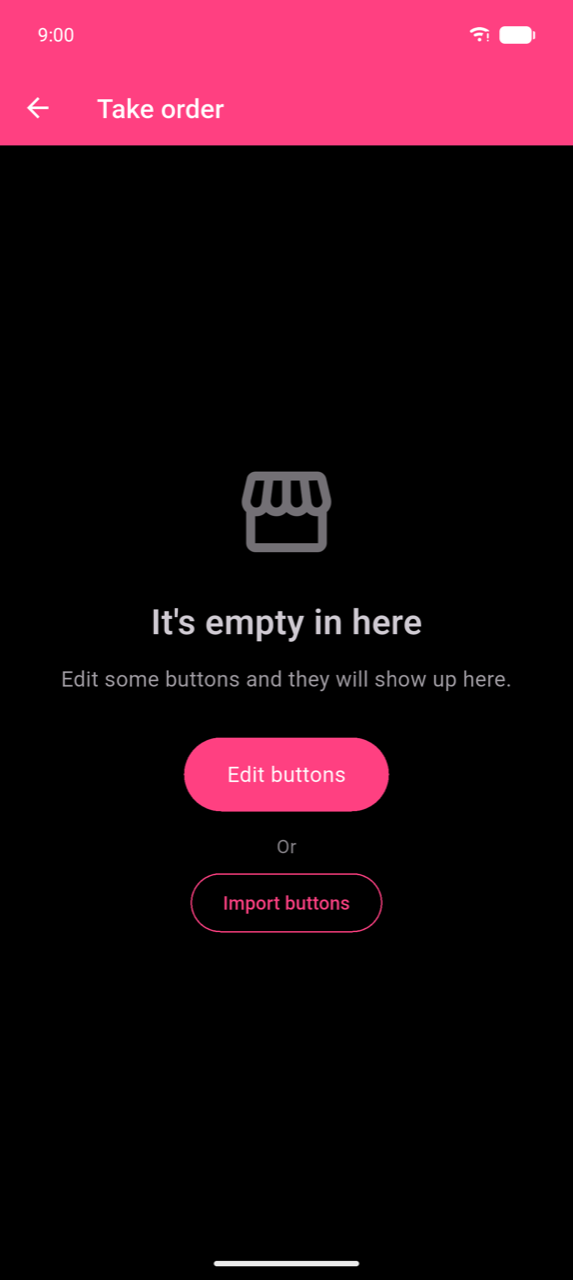
You have two options:
- Edit buttons — create your own categories and products from scratch (recommended). See Products & categories.
- Import buttons — scan a QR code from a colleague's device to copy their product setup instantly.
Once your products are added, return to Take order, tap a product to add it to the order, then checkout. See Taking orders and Payments.